Family film-making (short movies)
CostFree to Low
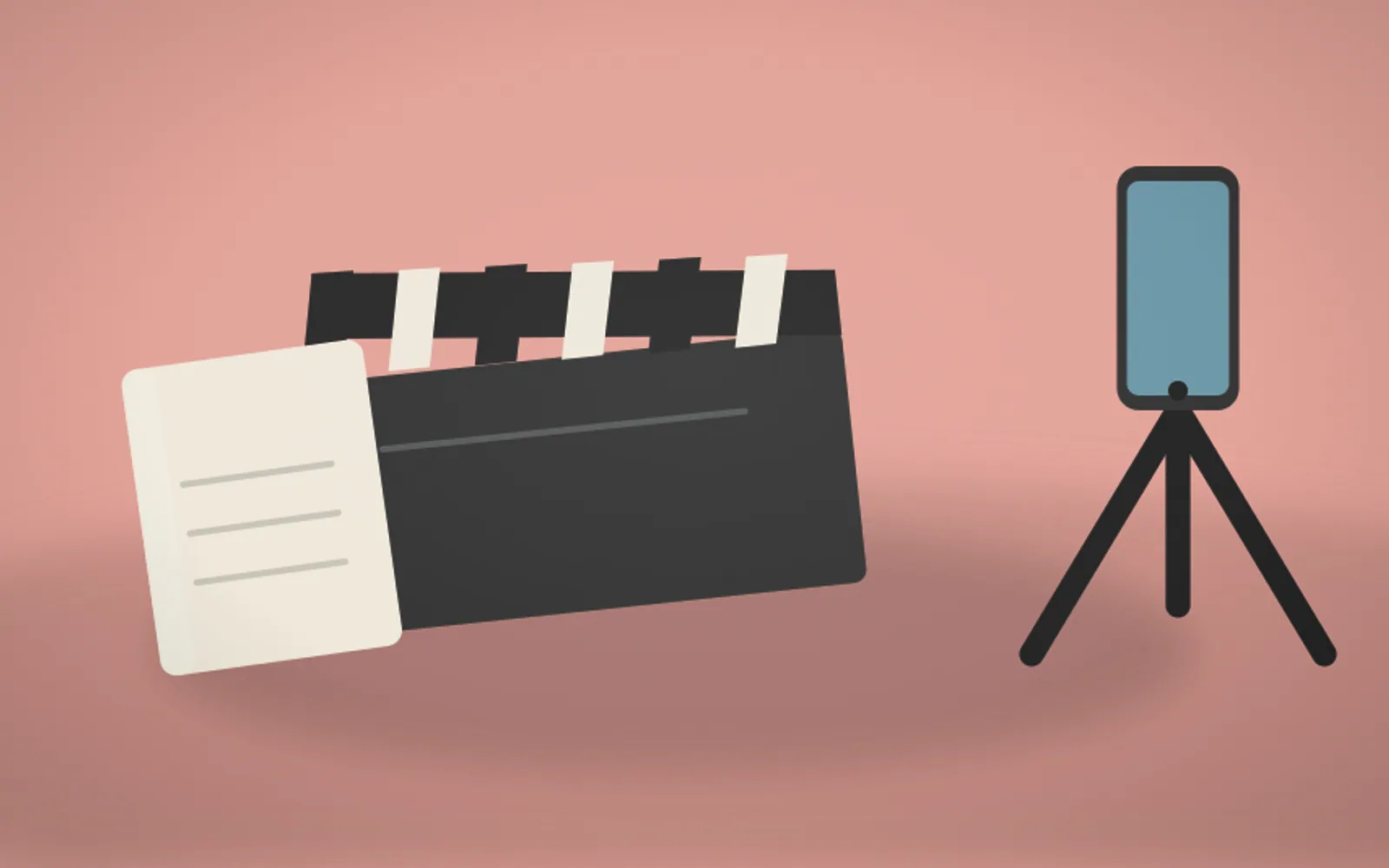
Includes: A smartphone, free editing apps and an optional portable LED light. Example: A smartphone is all the equipment needed. Editing apps are free. A small portable LED light (€15–25) significantly improves indoor footage quality.
What it is
Steven Spielberg made his first film at 12, a train crash staged with his model railway and his father's 8mm camera. Christopher Nolan made his at 7. Family film-making, the activity that produced some of cinema's greatest directors, is now more accessible than ever, because the phone in your pocket is a genuinely professional tool.
It's the creative group project of writing, directing, acting in, and editing a short film together, a complete project with a narrative, performed scenes, and edited footage that ends as a shareable, rewatchable record of collaboration. Free apps, CapCut, iMovie, DaVinci Resolve, handle editing without specialist equipment.
The process engages completely different skills from most family activities. Writing a script develops narrative thinking, directing develops visual communication and leadership, acting develops confidence and expression, editing develops rhythm and storytelling instinct. A single afternoon's short film touches all of them.
The output is uniquely permanent. A three-minute family film made on a Sunday gets rewatched, shared, and treasured in ways most other family activity outcomes never are. The one rule to set before any filming starts is to shoot horizontally, always, because vertical phone video looks amateur and won't show on a TV without black bars down the sides.
How it works
The format choice is the tool that shapes the whole shoot, so pick it before anything else. A mini-documentary of interviews, a short scripted narrative, a music video, or a comedy sketch each demand different things. Then assign roles: director, camera operator, actors, sound, someone holding the phone close to the dialogue, and editor.
Shoot in natural light wherever possible, outdoors or near a large window, because phone cameras struggle in dim indoor light and a small LED panel or a window does more for the footage than any other single thing. Shoot multiple takes of key scenes and gather more footage than you think you need, because you can cut what's surplus but you can't invent what you didn't film.
Edit in iMovie or CapCut, both free. Arrange the clips, cut between takes, add music and titles at the start, credits at the end. The most impactful editing skill is simply cutting the silences and stumbles between takes, which tightens a loose, amateur-feeling film into something that moves.
Benefits
What you need
Here's what to gather before you start. The essentials are marked.
Some links below are affiliate links. As an Amazon Associate, trylii.com earns from qualifying purchases, at no extra cost to you.
FAQs
A smartphone is genuinely enough to start. Modern phone cameras shoot excellent video, and the limiting factor for a beginner is rarely the camera but the lighting, sound, and steadiness. A cheap tripod or even a stack of books stops the shaky-footage problem, and filming near a window or outdoors solves lighting for free. Add a clip-on microphone later if dialogue matters, because phone audio is the usual weak point.
Keep it short, simple, and built around one or two locations you already have. A two-minute film with a clear beginning, middle, and end beats an ambitious epic that never gets finished, so think one simple idea: a mystery, a chase, a silly advert, a day-in-the-life. Limiting yourself to the rooms, garden, and props you own forces creative solutions and keeps the shoot manageable. Write a rough plan of shots before filming anything.
Free apps do everything a beginner needs. CapCut, iMovie, or the built-in editor on most phones let you cut clips together, add titles and music, and tidy the sound at no cost. Editing is where a rough collection of clips becomes an actual film, so do not skip it. Keep the cuts simple at first, trim out the dead bits ruthlessly, and resist piling on flashy transitions, which usually look worse than clean cuts.
Get close for sound and use daylight for light. Phone microphones pick up whoever is nearest, so filming close to the speaker (or recording dialogue in a quiet room) makes a bigger difference than any gadget. For lighting, face your subjects towards a window or shoot outside in soft daylight, and avoid having a bright window behind them, which turns faces to silhouettes. These two free fixes lift a home film more than any expensive gear would.
Kids take part brilliantly, and giving them real jobs is the key. Younger children act, hold the clapperboard, manage props, or suggest ideas, while older ones operate the camera, direct, or edit. The collaborative roles (director, camera, actors, editor) mean there is a genuine job for every age and personality. Children often have the most fun on the silly outtakes and the editing reveal, so build in time to watch it back together at the end.
You might also like
 TOGETHER
Family orienteering morning
TOGETHER
Family orienteering morning
 TOGETHER
Group vision board night
TOGETHER
Group vision board night
 TOGETHER
Mystery dinner party games
TOGETHER
Mystery dinner party games
 TOGETHER
Upcycling clothes together
TOGETHER
Upcycling clothes together
 TOGETHER
DIY board game design
TOGETHER
DIY board game design
 TOGETHER
Escape room at home (DIY)
TOGETHER
Escape room at home (DIY)
 TOGETHER
Backyard bird feeder building
TOGETHER
Backyard bird feeder building
 TOGETHER
Paper mache creations
TOGETHER
Paper mache creations
 TOGETHER
Backyard Olympics
TOGETHER
Backyard Olympics
 TOGETHER
Karaoke nights
TOGETHER
Karaoke nights
 KITCHEN
Botanical honey infusions
KITCHEN
Botanical honey infusions
 WILD
Nordic walking
See all in Together Time
WILD
Nordic walking
See all in Together Time